 VEXXD
VEXXD Pause Menu
Press ESC and players see your server's own menu instead of GTA's. Character info, action tiles, community links and announcements, with the map and settings one click away.
Click the tiles. Resume closes it, the rest show what they do in game.
The demo is made for a computer screen. On a phone it shows small.
What's in it
Your menu on ESC
- Replaces the GTA pause menu
- Map and settings one click away
- Disconnect with a confirm step
- Opens with the normal ESC key
Player info
- Name, job and grade
- Cash, bank and phone number
- Server ID and player count
- In-game time and weather
Action tiles
- Open the map or settings
- Open a link
- Trigger any client event
- Optional artwork behind a tile
Community cards
- Discord, YouTube or any link
- Accent color per card
- Optional member count
- Opens in the player's browser
Announcements
- Set them in the config
- Or post them in game with /announce
- Tags like New and Info
- Remove the latest with /delannounce
Branding
- Server name, tagline and logo
- One accent color
- Background image
- Banner for events
Install
- Drop vexxd_pausemenu into your resources folder.
- Ensure it after your framework and ox_lib.
- Set your server name, links and announcements in shared/config.lua.
- Restart the server.
ensure vexxd_pausemenu
add_ace group.admin vexxd_pausemenu.admin allow
Works with
More scripts
 Paid
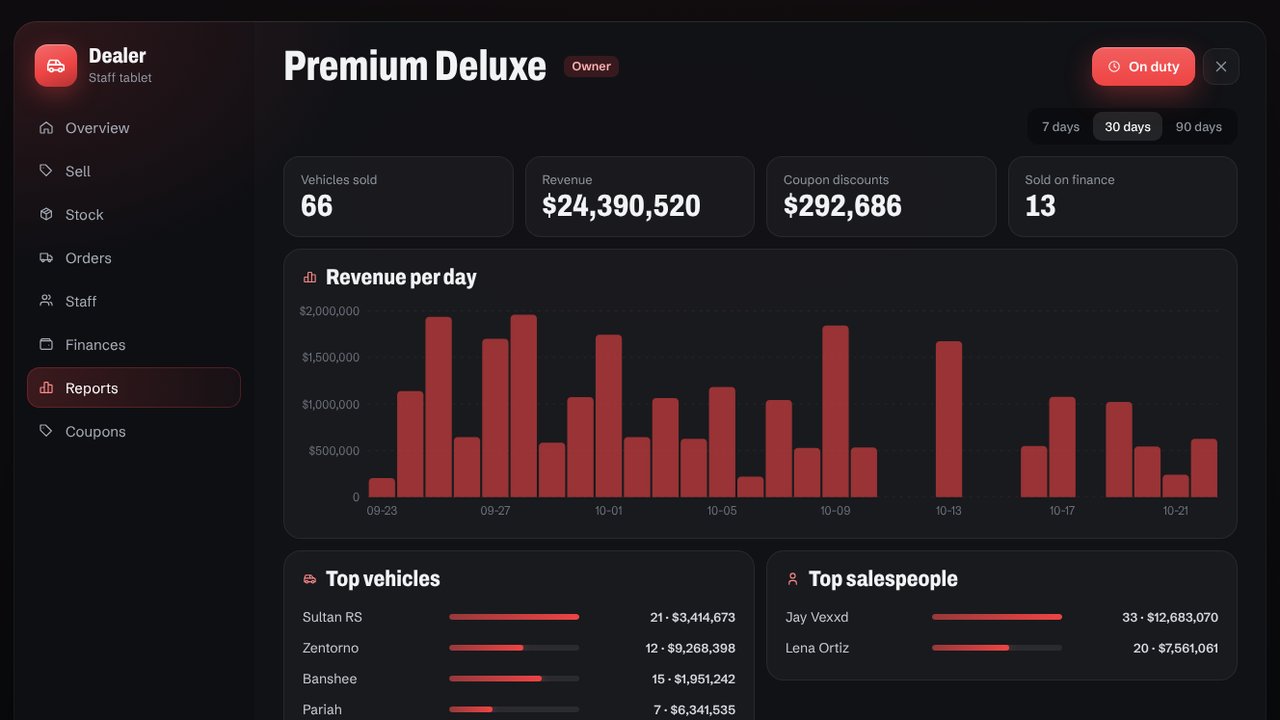
PaidDealerships
Showrooms with a live preview, test drives, financing, coupons and player owned dealerships with staff and stock.
 Paid
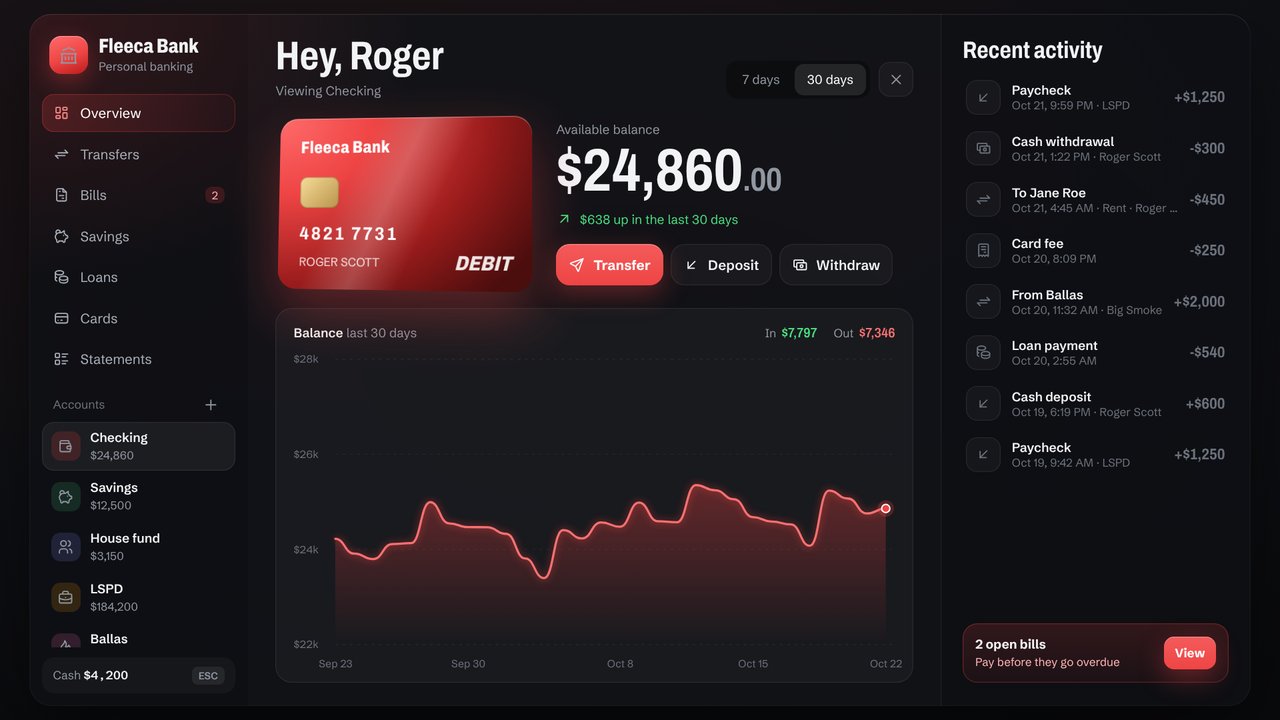
PaidBanking
Checking, savings, shared and business accounts, loans, bills, debit cards and ATMs. Replaces qb-banking and Renewed-Banking.
 Free
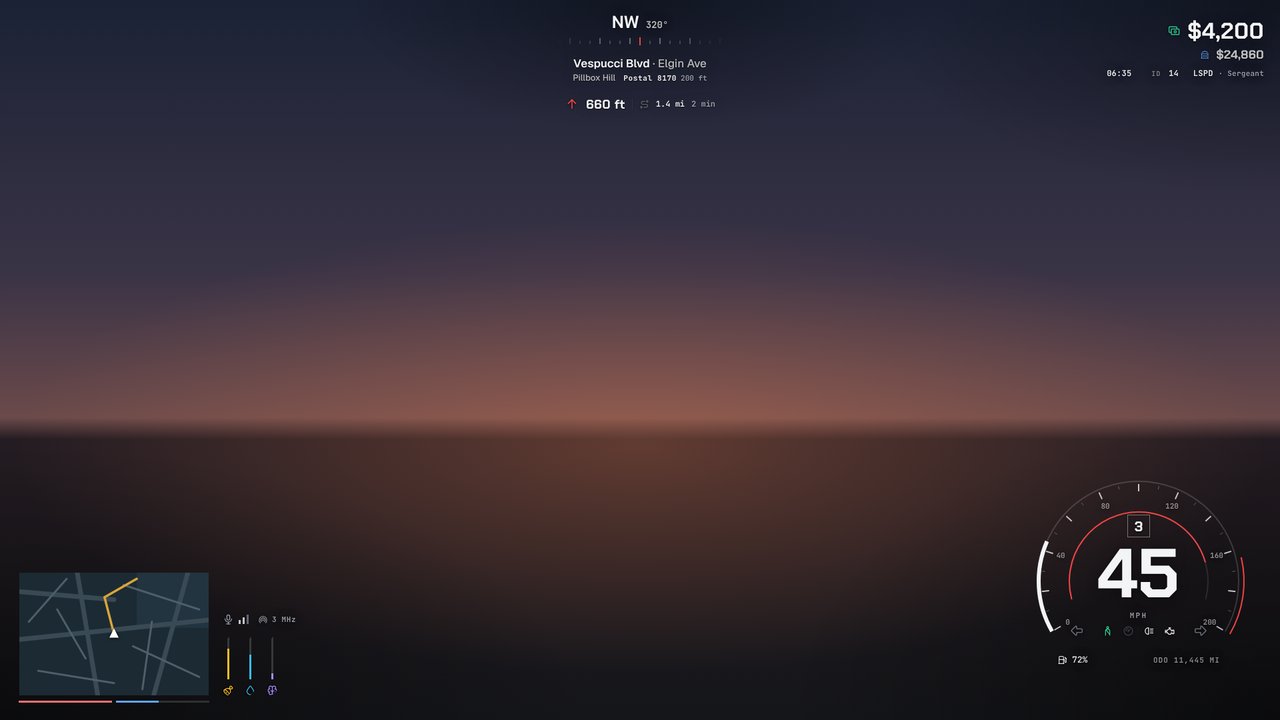
FreeHUD
Status, seven speedometers, minimap, compass and player info. Every player sets up their own look with /hud.
 Free
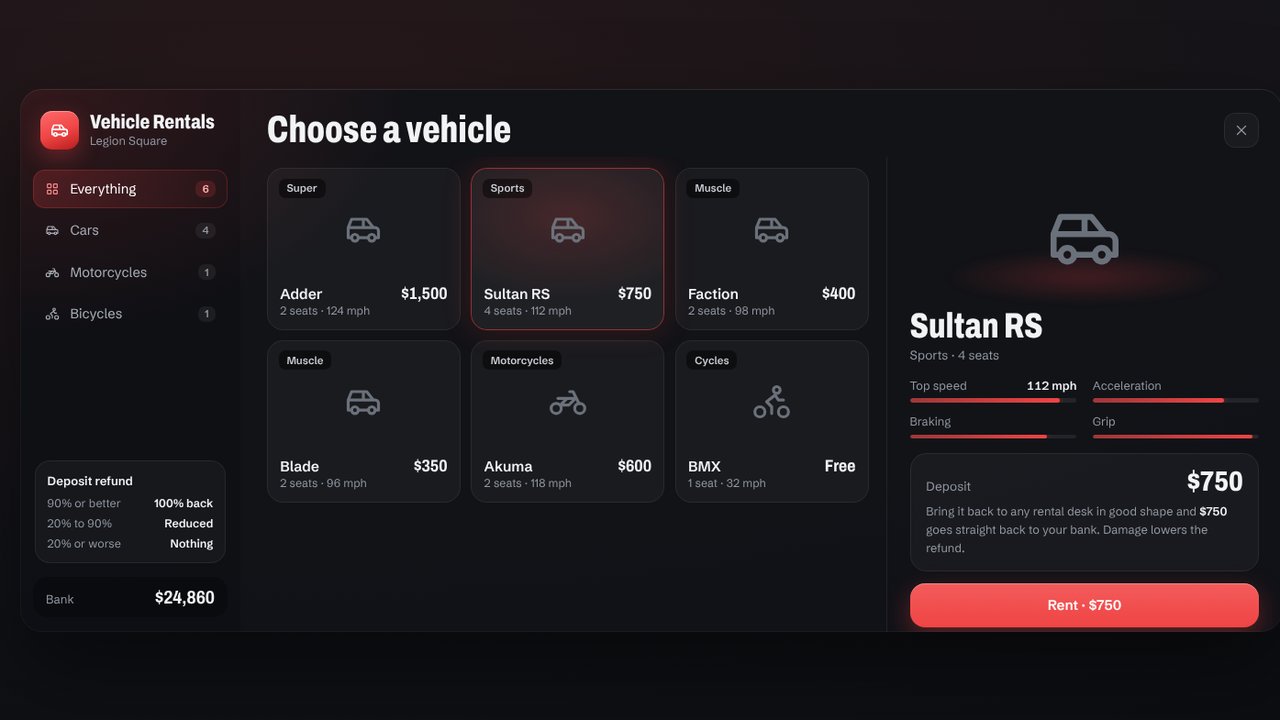
FreeRentals
Rental desks for new players. Pay a deposit, bring the car back, and get a refund based on its condition.